Getting Started
Overview
ShaderPad handles the repetitive work required to render fragment shaders in the browser. It’s performant, flexible, and comes “batteries included” for most needs. ShaderPad has optional plugins — from PNG export to face/pose tracking — for more specific requirements. Simple, performant, and portable, ShaderPad lets you focus on writing GLSL.
Installation
Install ShaderPad, start from a template, or set up an AI-assisted workflow.
Quickstart
Get started by rendering your first simple example shaders.
Examples
Browse runnable examples and source code for common ShaderPad patterns.
API reference
Jump straight to options, methods, events, and utilities.
Meet ShaderPad
ShaderPad is a minimal fragment shader library for the web. It handles WebGL2 scaffolding, uniform and texture synchronization, resizing, history buffers, and other runtime plumbing. It’s performant by default and lets you focus on the creative parts of graphics programming. With a small footprint (5.9 kB gzipped), effects load quickly and run well on any device. And if you want face filters, pose-driven visuals, hand tracking, or object segmentation, MediaPipe-powered plugins give you one of the fastest ways to start building.
What can I build with ShaderPad?
- Create fullscreen interactive shaders in under 10 lines of JS code.
- Add post-processing effects to existing
canvas,imgandvideoelements. - Efficiently create multi-pass graphics pipelines with minimal overhead.
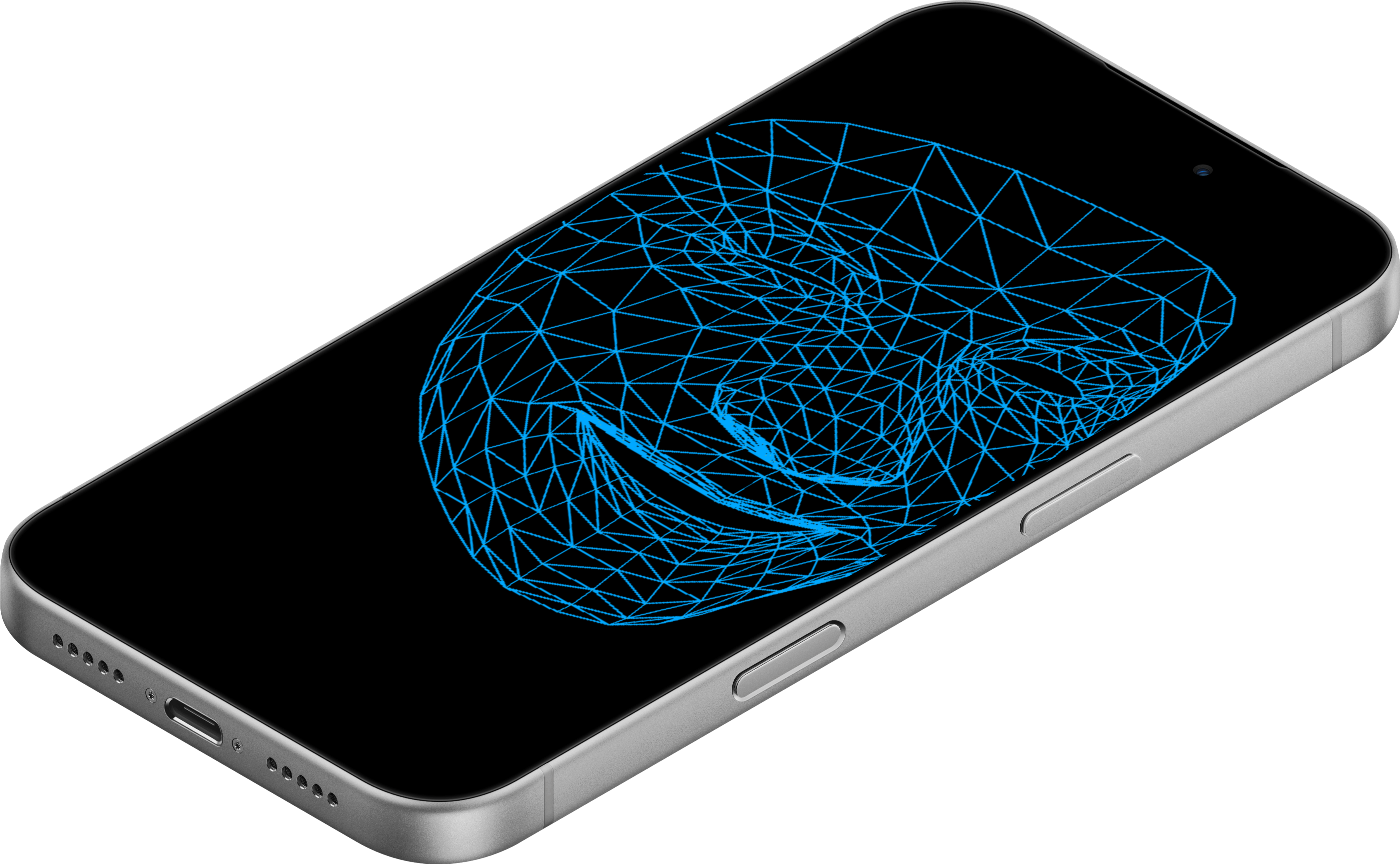
- Make your own face filters or pose detection apps like Strange Camera.
- Vibe code your first shader using the AI entry points.
Comparisons To Other Libraries
ThreeJS is an incredible framework, but it’s nearly 30x the size of ShaderPad. If you want to use your GPU without a full 3D library, ShaderPad is a great choice.
Hosted shader playgrounds like ShaderToy are perfect for sketches, but they keep your work locked into that platform. ShaderPad aims to provide a similar speed of iteration while giving you something you can drop into any project.
Inspiration
- ShaderToy: The original shader playground. Still one of the coolest places on the Internet.
- ThreeJS: The most popular 3D library on the web by a landslide, for good reason.
- TWGL: A performant and unopinionated WebGL library for the browser.
- ShaderBooth: A fun, immediate, and inspiring way to learn and experiment with shaders.
WebGL2 is required
ShaderPad targets WebGL 2.0, which is widely available across all major browsers.